Check it yourself
Run a connection monitor such as PCAPdroid (free and open source, no root needed) while you use Twizt. It lists every server an app talks to. Compare it with this page.
Who Twizt talks toA Usenet newsreader and media player for Android
And everything you already own.
Twizt searches, chooses, downloads, repairs, unpacks, files and plays. It also turns the folders and drives you already have into a library. One app, on the device in your hand. No server to run. No Twizt account to make.
Pictured: Twizt’s Home screen on an Android TV, a tablet and a phone, with the film Sintel featured and a Continue watching row.
How it works
The usual way to do this is a box in a cupboard and a row of programs that each do one job and have to be introduced to each other. Twizt does all six on the device you are holding.
Asks the indexers you added, and nobody else.
Reads every result and recommends one, with the reason.
Straight from your Usenet provider to this device.
Missing pieces are rebuilt with PAR2. No tools to install.
Into your library, with poster, cast and where you left off.
Its own player, on the same screen. Nothing to hand off to.
Choosing a version
A search can return dozens of versions of the same film. Twizt scores each one against your Quality settings (resolution, size, HDR, sound, language) and recommends one. The ones that would waste your evening are left out, each with its reason.

Sintel 2010
9 versions found · 6 usable · 1 recommended
Recommended Best match for your Quality settings: 1080p, surround sound, 1.2 GB.
A demonstration with made-up results, for an open-licence film. In the app, the list comes from your own indexers, for titles you have the right to download.
Play now
Twizt streams a version straight from your provider while you watch. Before it starts, it samples the version for missing pieces, so you find out now and not forty minutes in. Afterwards it tells you, in one line, what it did to keep the film playing.

Ready. Nothing has been downloaded yet.
What Twizt did Filled missing parts from an identical copy · no pause
A demonstration. Each square stands for a piece of the film on Usenet.
Downloads
Download, verify, repair, unpack, file: every stage is on screen, with speed and time left. And if a version turns out to be gone, Twizt moves to the next best one by itself, even with the app closed.
Sprite Fright · started the recommended version
Too many pieces are gone from this one. Stopped at 31%.
Moved to the next best version by itself
Downloaded · 4.6 GB at 41 MB/s
Verify: 14 pieces damaged
Repaired with PAR2
Unpacked and filed
In your library. You did nothing.

Your own files
Choose a folder on the device, or plug in a USB drive. Twizt works out what each file is and files it with its poster, cast and where you left off. Messy names and one big flat folder are fine. No Usenet needed, and no trial clock.
Your files. Free. Always.
Streaming and downloading from Usenet are the paid part. Everything that plays from this device is free, also after the trial.
On the drive
In Twizt



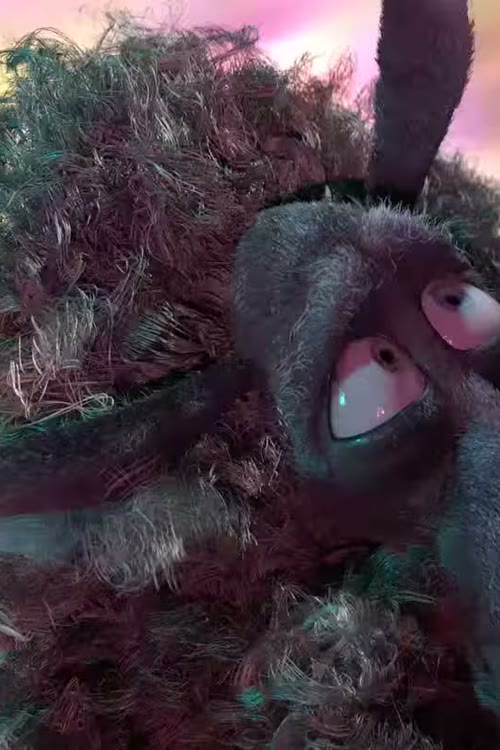
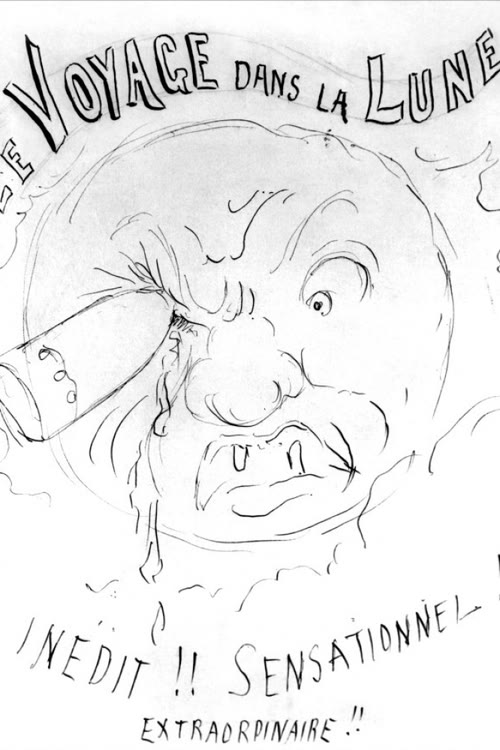
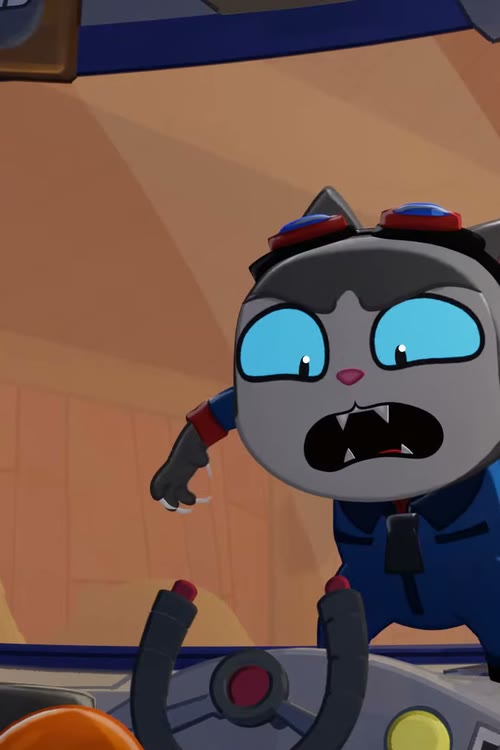
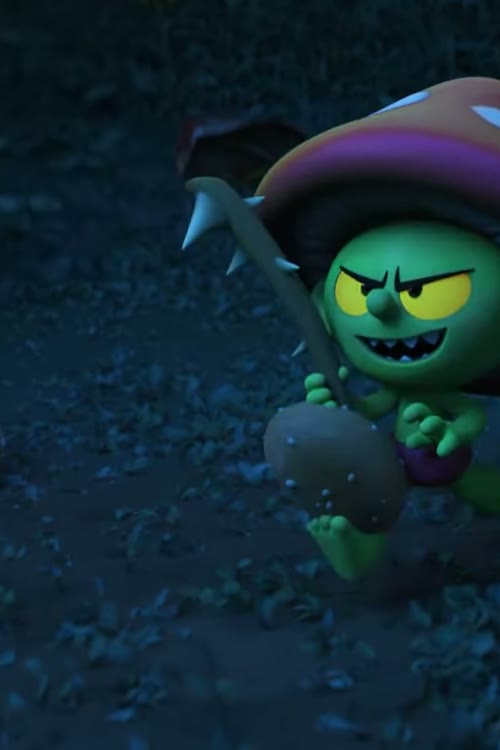
An illustration, with open-licence and public-domain films. In the app, the files are your own.
Proof
No Twizt account. Twizt never asks for your email.
Twizt never asks who you are. It does ask for your Usenet password and your indexer keys, and you should want to know exactly where they go. So here is every connection the app makes, and what each one is given.
| Goes to | What for | What it is given |
|---|---|---|
| Your Usenet provider | Streaming and downloading what you choose | Your login, and the articles requested |
| Your indexers | Searching, and fetching the NZB of a version | Your API key, and what you search for |
| TMDB | Titles, artwork, cast and dates; also for the series you follow | Twizt’s TMDB key, or your own if you set one, and the titles you look at |
| AniList | Anime details, scores and cover art | The anime you look at |
| AniSkip | Skipping anime intros and outros | The episode you play |
| SubDL, Wyzie Subs | Finding subtitles, only when you ask | Your key, and the title |
| YouTube | Trailers, only when you open one | The trailer you play |
| Twizt’s licence server | Your 30-day trial, and handing the app Twizt’s TMDB key | A code made from your device, and nothing else. Never your name or your email |
| Ad networks | Nothing. There is no advertising code in the app. | |
| Analytics | Nothing. No usage statistics, no crash reports. Google Play keeps its own install and crash figures, as it does for every app it installs. | |
The complete list, with every detail, is in the privacy policy. Each service also sees your IP address, as any website does, and may hand over a file from an address of its own: a picture, a trailer’s video, a subtitle, an NZB.
Run a connection monitor such as PCAPdroid (free and open source, no root needed) while you use Twizt. It lists every server an app talks to. Compare it with this page.
Who Twizt talks toIn Settings, under Privacy & connections, “Who Twizt talks to” lists every service, with a log of recent connections. Anything Twizt itself tries to reach that is not on the list is refused before it connects, and counted.
Blocked (example)0
Your provider login and your keys are encrypted with a key held in the Android Keystore. None is ever in a backup.
The player and the audio decoders are open source: libVLC and FFmpeg. Their complete source code is published for every version of Twizt.
Source codeWe test the worst first.
Everything else
Subtitles
Find subtitles puts the one made for your exact version first. Fix the timing once and that file remembers it. And they step up out of the controls’ way, then settle back.
Remind me
Tap Remind me on a film or series that is still to come. Twizt tells you the day it is out.
Discover
Moods, decades, people and short lists for the evening you actually have. Or let Twizt pick: spin for a title, or swipe through a stack of 20.
Big Buck Bunny
Follow
Follow a series and Twizt watches for new episodes, within your indexers’ daily limits. It tells you when one is out, can fetch it on Wi-Fi while the device charges, and can keep only the last few you watched.

Android TV
Arrows, OK and Back do everything. To set it up, scan one QR code and type on your phone, or send your settings from Twizt on a phone or tablet, with a six-character code on both screens and encrypted end to end. Either way it stays on your own network. If playback stutters, it switches to a smoother version by itself.
Kids mode
A profile of its own with an age limit, by your country’s ratings. Titles rated above it are not greyed out or padlocked: they simply are not there. Unrated titles can be hidden too. Getting out needs a PIN.
An illustration: the ages here are ours, for the demonstration.
Anime
Seasons, scores, studios and airing countdowns from AniList. Season or absolute episode numbers, your pick of dub or sub, intros skipped with AniSkip, and styled subtitles kept exactly as they were made.
Sound
Clear voices brings speech forward. Late night softens the loud scenes, so the film stays in your room.
Activity
Watch time, favourite genres, actors and studios, the hours you really watch at. The kind of summary other services make from your data, made on your device and never sent to us.
Backup
Your lists, history and settings, saved on a schedule to a folder you choose. Your logins are never in a backup.

The player
Where the file marks them, one tap jumps past, and the next episode is already lined up. A sleep timer can wait for the end of the episode. Then the player gets out of the way: the rest of the screen is the film.
And about a hundred smaller things you’ll find on your own.
Every screenshot is the real app. The films in them are open-licence or in the public domain: screenshot credits.
Hard questions
If a page about a Usenet app does not make you slightly suspicious, you are not paying attention. These are the questions we would ask.
Because it never goes anywhere except your provider. It is encrypted on your device with a key held in the Android Keystore, sent only to that provider to sign in, and left out of every backup. There is no Twizt account for it to be attached to.
You do not have to believe that. The privacy policy lists it all, and a connection monitor will show you the same list.
Yes. Choose “Just my files” at the start, point Twizt at a folder or a USB drive, and it becomes a library and a player for what you already have. Everything that plays from the device is free, with no time limit. The paid part is streaming and downloading from Usenet.
No. Posters, cast and descriptions work from the first start. You can still use a TMDB key of your own, in Settings, if you prefer.
The closed beta is by invitation, on Google Play. Twizt opens to everyone after it.
Not all of it, and we will not pretend otherwise. Twizt’s own code is proprietary, its download engine included. What plays your films is open source: libVLC, the player (LGPL-2.1), and FFmpeg’s audio decoders (LGPL-2.1). Their complete source is published for every version of Twizt, on the source code page.
No. Twizt is software only: a Usenet newsreader and media player. Twizt’s own servers host nothing, index nothing and link to nothing: the app searches only the indexers you add, from your device. It includes no Usenet access and no indexers, and we do not run, name or recommend any. You connect the provider and indexers you already chose, and you are responsible for what you download. The terms say so plainly.
Maybe you would not. If your setup works and you enjoy keeping it running, keep it. Twizt is for the rest of the household, the second home, the tablet on a train, and anyone who wants the result without the cupboard: nothing to host, nothing to update but one app.
They are yours. On a phone or tablet, downloads are ordinary video files in the Movies/Twizt folder, one folder per title: other video apps can play them, and they stay if Twizt is uninstalled. On a TV or a USB drive they live in Twizt’s own folder, so move them before you uninstall. Your lists, history and settings can be exported to a folder you choose.
Yes, on screens that can show them. On a screen without HDR, Twizt picks a version made for ordinary screens first. On a TV it can pass Dolby and DTS sound to your receiver untouched, and switch the TV to the film’s own frame rate.
Twizt runs on Android 8.0 or newer with 2 GB of memory, on 64-bit and 32-bit ARM, so boxes that only have a 32-bit system install it too. On a TV it picks versions that TV can show, and moves to a smoother one if playback stutters.
Android only, for now: phones, tablets and Android TV. We would rather do one platform properly than five badly.
More in the FAQ, and on the support page.
Before you get excited
An account with the provider you choose. Twizt tests the login as you add it, and can find how many connections your provider allows by itself.
One or more indexers you have access to. Twizt searches them when you look for something.
Only here for your own files? Then you need none of it.
Software only.
Twizt includes no content, servers or indexers. It works with the Usenet provider and indexers you choose and pay for yourself. You are responsible for what you download: only download what you have the right to.
Three lines Twizt draws, in the app itself.
No provider and no indexer is named, suggested or preset anywhere in the app. You type the address your own service gave you. A test fails if an address is ever written into the app that is not on its short list of services.
Twizt searches only the indexers you add and connects only to the provider you add. It has no list of its own to fall back on. What your services carry is between you and them.
The first screen on every device says: “Twizt has no films or series of its own. You connect your own Usenet provider and indexers. Only download what you have the right to.” Nothing plays until you tap I agree.
Closed beta
Twizt’s closed beta opens soon, on Google Play. It is the whole app, not a demo. Use it on your own phone, tablet or TV, and tell us what breaks and what annoys you. After 30 days the Usenet part pauses; your own files keep playing.
An Android phone, tablet or Android TV, and a Google account to install from Google Play. For Usenet: your own provider and indexer.
Nothing
There is nothing to buy in the beta, and no card to enter.
Use it like you mean it. Tell us when it lets you down.
The closed beta is by invitation. Twizt opens to everyone after it.
Twizt includes no content, Usenet access or indexers: your provider and indexers are separate, and yours. See the terms and the privacy policy.
For Android phones, tablets and Android TV.